
Create your unique garden with our new app functionality: scenes
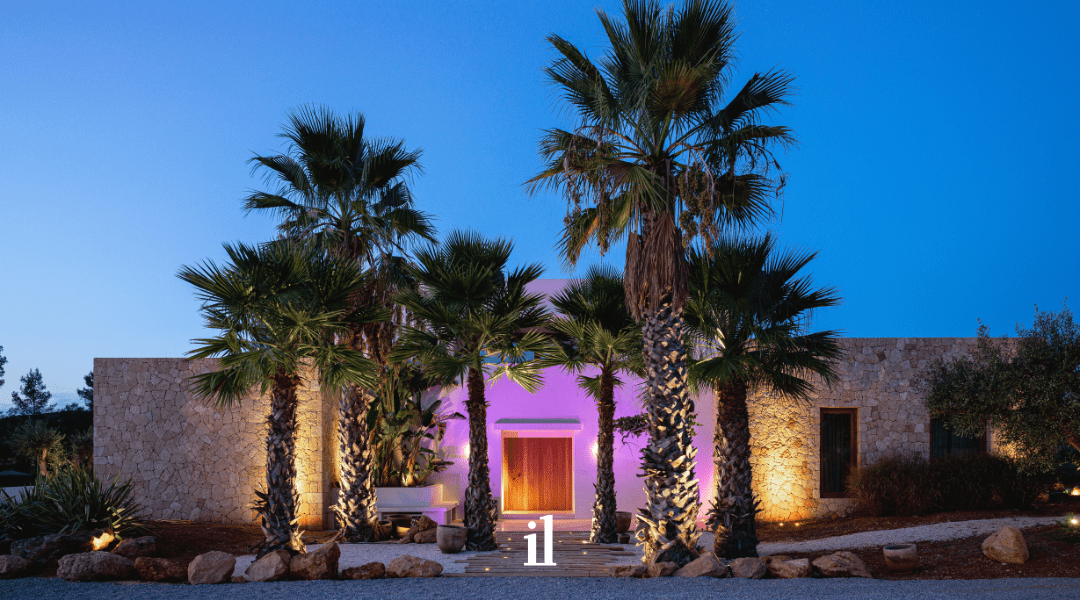
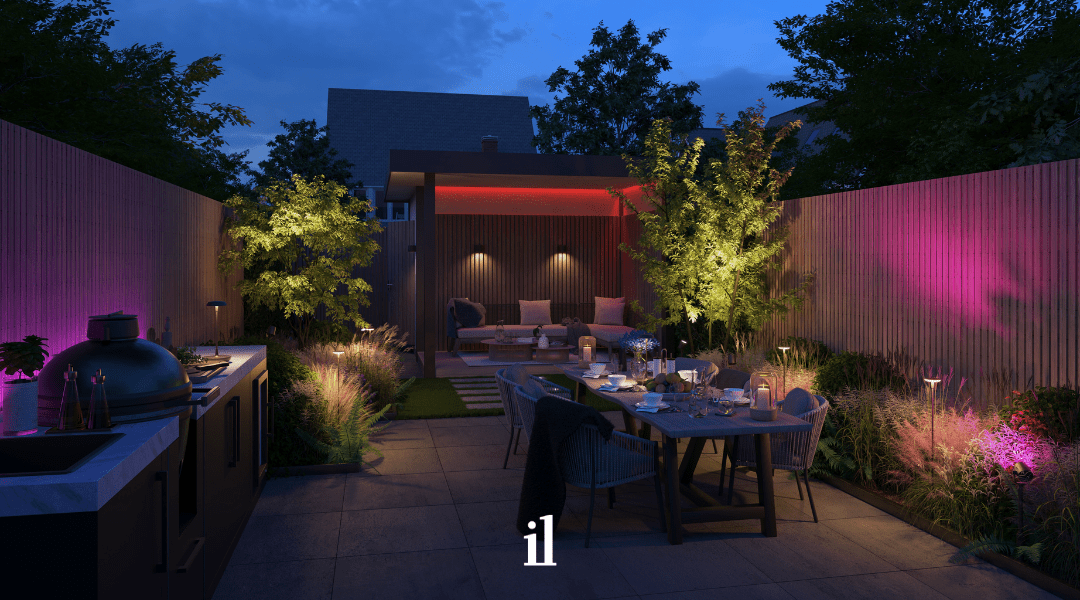
Having a garden party or a cosy dinner with family? Create the right setting in no time with our new app update (version 3.3.0). The new update includes a whole new feature: Scenes. It allows you to easily set your garden to the colour you want.
Scenes for yor smart fixtures
Scenes are available for all our Smart luminaires. Use the Smart TONE luminaires to create the right atmosphere in your garden. Do you only have dimmable Smart luminaires? Even then Scenes can be used. This way, you can switch on certain parts of your garden via a Scene. That way, you make your garden ready for reading a book or dim the light when you want to relax. You can easily save your chosen scene so you can use it again later. Don't have any Smart luminaires yet? Check out our smart lighting here.
- Set up your garden with one click
- Save and reuse your garden settings whenever you
- want
Use the preset templates to set a scene quickly and effortlessly - Customise the arrangement of colours with the unique in-lite shuffle button
- Setting the lighting in your garden has never been easier
in-lite makes it easy
You can find all the scenes in the scene overview. Is there one scene you secretly use 9 times out of 10? Then you can make it a favourite and put it at the top of the overview. This way, you no longer have to search for your favourite scene.
Clicking a scene button will turn it on in the garden. For example, the lights will be set to the right colour for a party or dimmed the right way for dinner. Activating a scene can take a few seconds. Fortunately, you can see exactly how it is progressing in the app.
In the scene overview, under my scenes, you will find all the scenes set for the specific garden. By clicking on the scene, it can be changed.
How to create a scene?
Your own creativity
You can go all out in creating a colour combination for your Scene. Once you have set the garden to the desired colours, you can save these settings via a new Scene of your current garden. If necessary, you can change details and save the Scene.
You can create new scenes yourself.
Our creativity
Don't have the inspiration to find colour combinations together yourself? No problem! In fact, we have already prepared some templates for you to use!
The templates currently in the app are: Spring; Summer; Autumn; Winter; Dining; Lounge; Party. New templates may be added in the future.
Or you can choose one of our templates
Questions?
For questions about this update, please contact our Customer Service. We can be reached on weekdays from 8:30am to 5pm on tel: +31184688760.