
Connect with control4

Connect with control4
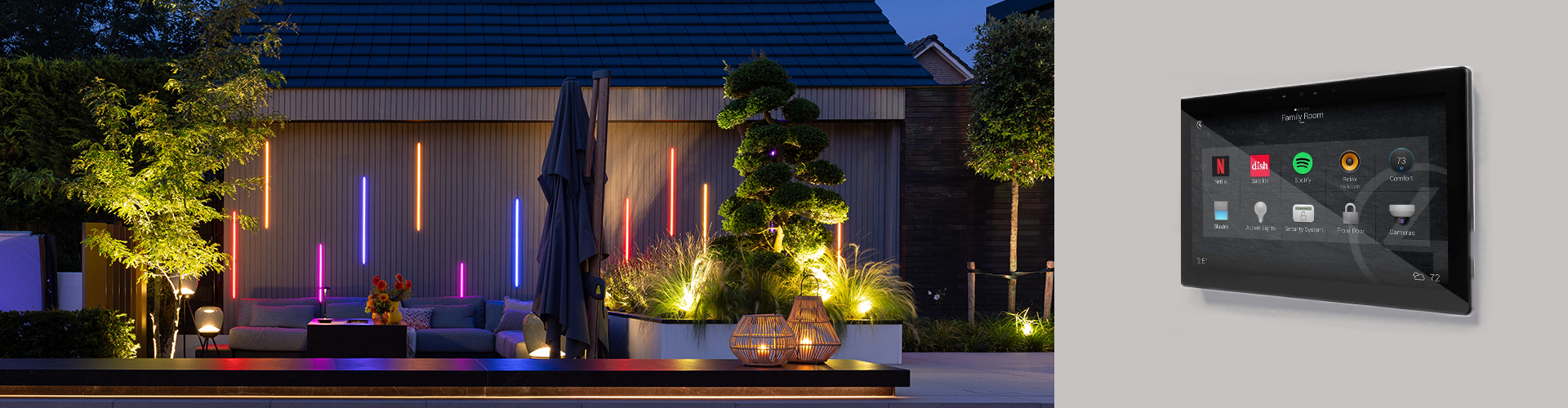
in-lite now fully integrates with Control4, bringing your outdoor lighting into one of the world’s most trusted smart home systems. Whether you already use Control4 at home or you’re a system integrator designing a complete solution, this integration gives you full control over every light in the garden, right from the Control4 interface. Combined with the existing Matter and GIRA/KNX connections, in-lite offers the widest smart home compatibility in outdoor lighting.


This is the future of outdoor lighting and we’re ahead! 

THE COMPLETE CONTROL4 EXPERIENCE

Control4 is a smart home and building automation brand trusted by professionals worldwide. Its intuitive interface delivers reliable performance across all connected devices, with strong support from integrators and manufacturers.

With this integration, you control the entire in-lite system through Control4. Operate each light zone individually, dim your smart lights, adjust colours, and activate in-lite Scenes. Imagine setting the perfect atmosphere for a summer evening with a single tap, or having your garden light up as the sun goes down.

WHAT DO YOU NEED?

Connecting your in-lite system to Control4 is straightforward. You need the following in-lite products:

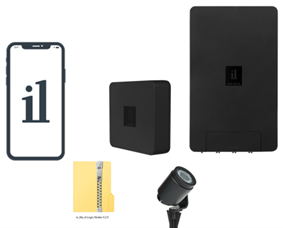
  • A SMART HUB to make your garden lighting smart. Choose from SMART HUB-75, SMART HUB-150, or SMART HUB-300.
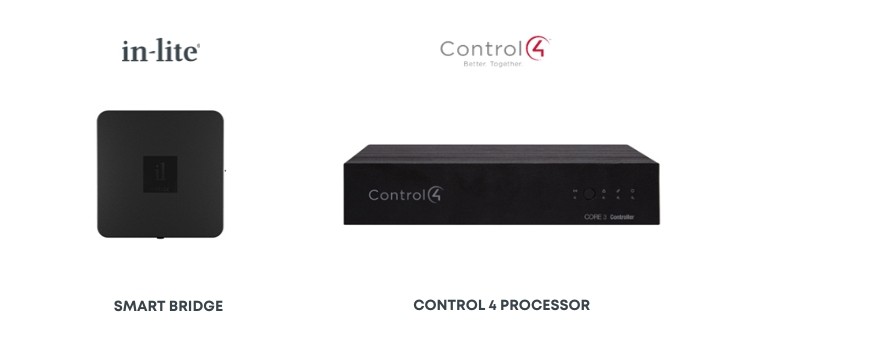
  •  The SMART BRIDGE to connect your in-lite system to smart home platforms.
  • The in-lite app to guide you through the setup in just a few steps.
  • The in-lite Control4 Driver, a dedicated software package that prepares the Control4 software to connect with the SMART BRIDGE.
From the Control4 side, you’ll need:

  • A Control4 processor with Composer software to connect your home devices.
  • A Control4 operating device as the interface for controlling your smart home.
HOW TO SET IT UP

1.Update your in-lite Smart products. The SMART BRIDGE updates automatically when connected to the internet. In the in-lite app, make sure that:

  • The SMART BRIDGE runs software version 1.5.7 or higher.
  • The SMART HUB runs software version 52 or higher.
  •  Your smart lights run version 36 or higher.
  • Your in-lite app is version 3.18 or higher (iOS and Android).

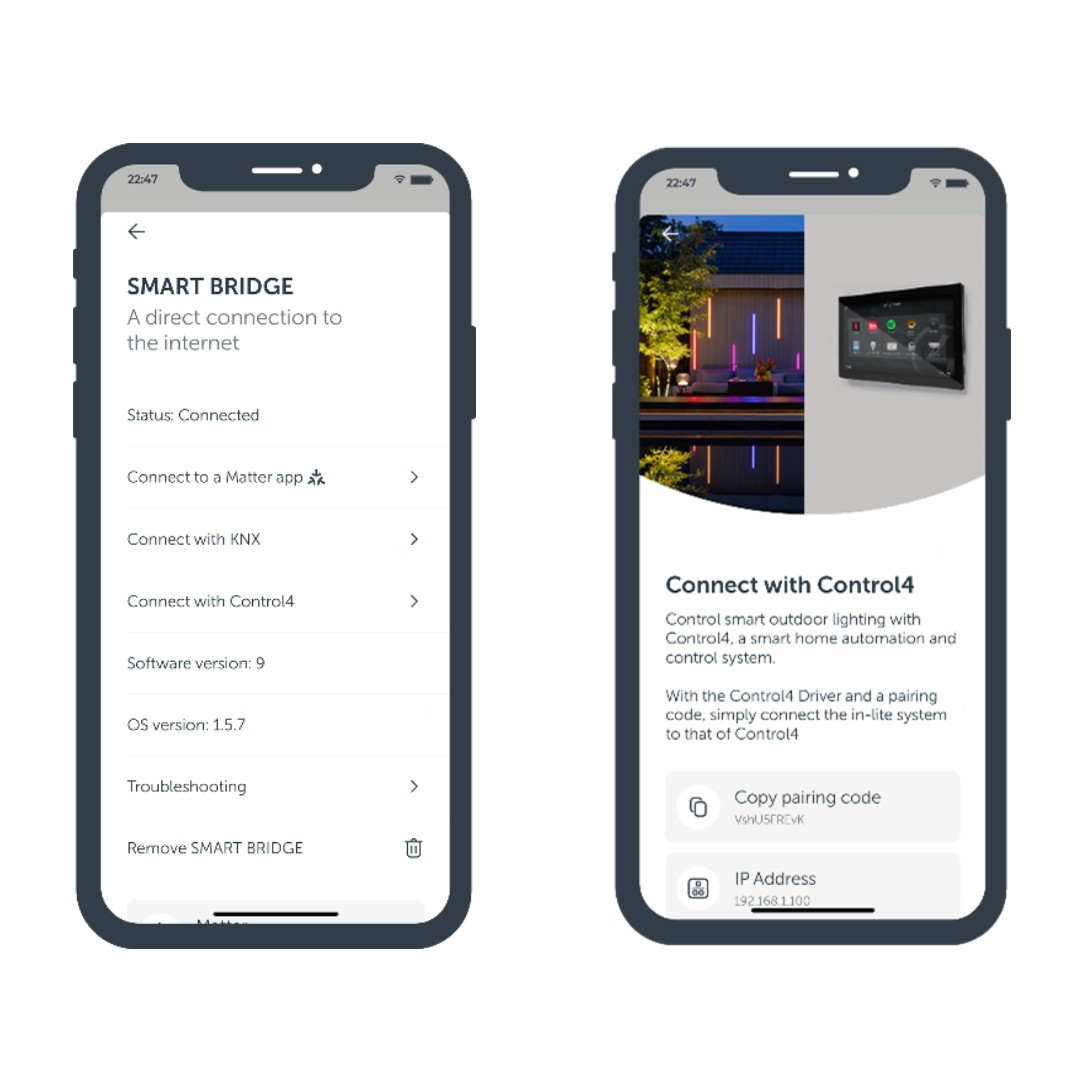
2.  Go to the SMART BRIDGE page in the settings section of the in-lite app. You’ll find the option to “Connect to Control4”, along with the needed login tokens and IP address.

3.  Download the Driver by clicking the link above.

4.  Use the pairing code from the in-lite app to pair the Driver with your system.

5.  For detailed installation instructions, click here to download the Driver information manual.
Need help?

We’re happy to help you get started. For questions about the in-lite and Control4 integration, contact our customer service team. For technical questions about the in-lite Control4 Driver specifically, reach out to Janus Technology support.

FAQ

Does in-lite work with Control4? Yes. in-lite outdoor lighting integrates fully with Control4. You can now control every light zone, dim smart lights, adjust colours, and activate in-lite Scenes directly from the Control4 interface. The integration uses the SMART BRIDGE and a dedicated in-lite Control4 Driver to connect both systems.
What in-lite products do I need for Control4? You need three in-lite products: a SMART HUB transformer (available as SMART HUB-75, SMART HUB-150, or SMART HUB-300), the SMART BRIDGE, and the in-lite app (version 3.18 or higher). On the Control4 side, you need a Control4 processor with Composer software and the in-lite Control4 Driver.
Can I dim in-lite lights through Control4? Yes. All in-lite smart lights are fully dimmable through Control4. You can also adjust the colour of Tone lights and activate predefined in-lite Scenes, giving you complete flexibility over the atmosphere in your garden.
How do I connect in-lite to Control4? Start by updating your in-lite products to the latest software versions via the in-lite app. Then open the SMART BRIDGE settings in the app, where you will find the option to connect to Control4 along with your login tokens. Download the in-lite Control4 Driver, enter the pairing code from the app, and you are connected. The full process takes just a few minutes. Important: make sure the Control4 processor and the in-lite SMART BRIDGE are connected to the same local network. If they are on different networks, the integration will not work.
Which software versions do I need? Make sure your system runs these minimum versions: SMART BRIDGE software 1.5.7, SMART HUB software 52, smart light firmware 36, and in-lite app version 3.18 (iOS and Android). The SMART BRIDGE updates automatically when connected to the internet.
Does in-lite also work with other smart home systems? Yes. Besides Control4, in-lite integrates with all smart home systems that support Matter or GIRA/KNX. This includes platforms like Apple HomeKit, Google Home, and Amazon Alexa. The SMART BRIDGE is the key component that makes these connections possible.
Can I still use the in-lite app alongside Control4? Yes. The in-lite app works independently alongside your Control4 system. You can continue to use the app to manage light zones, create Scenes, check firmware updates, and configure your SMART BRIDGE. Control4 adds an extra layer of control without replacing any existing in-lite functionality.
Where can I download the in-lite Control4 Driver? The in-lite Control4 Driver is available as a free download via the link on this page. After downloading, use the pairing code from the in-lite app to connect the Driver to your SMART BRIDGE. Detailed installation instructions are included in the Driver package.
Did you like this post?
0
Back to top