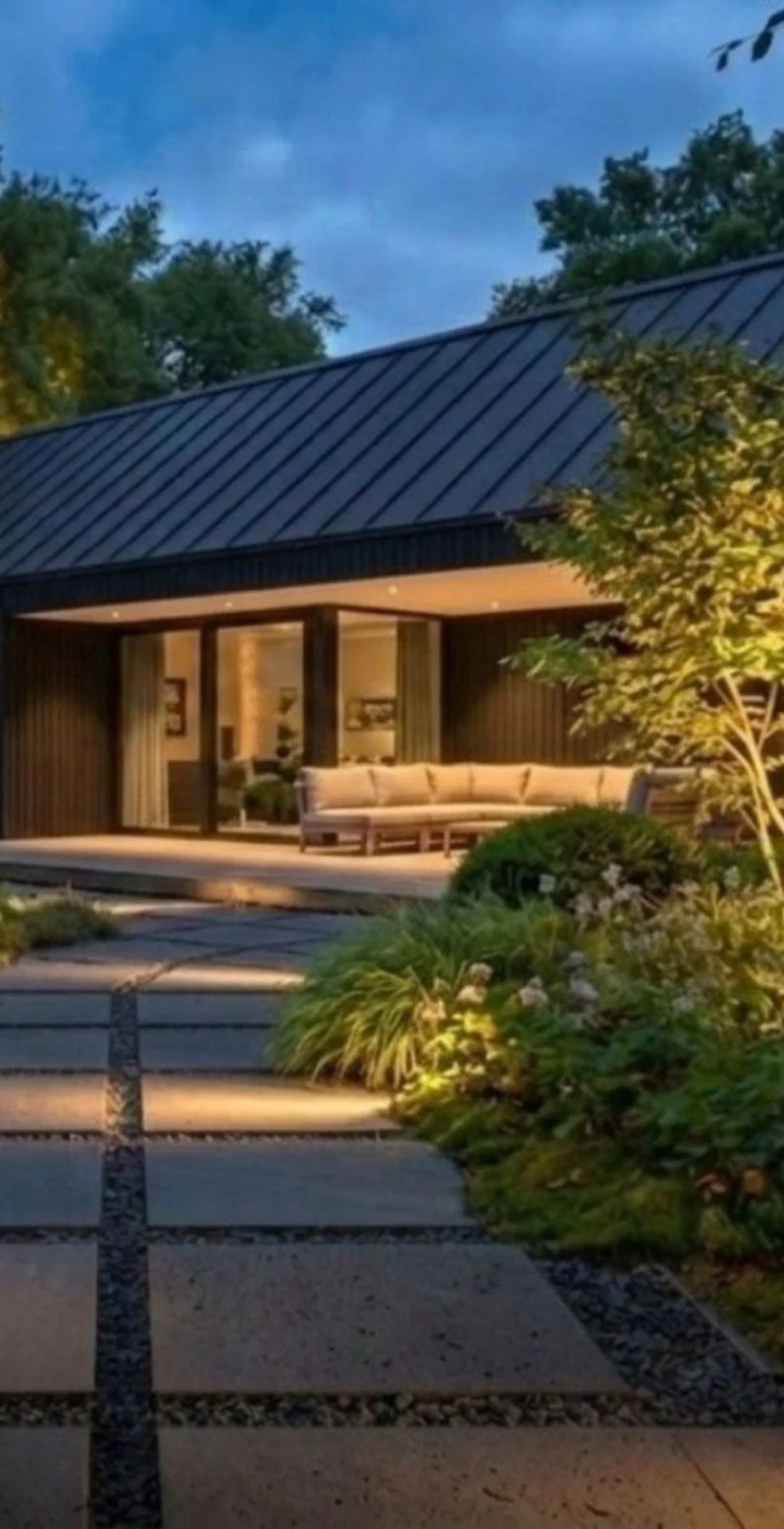
See how outdoor lighting can transform an outdoor space in seconds
Light Simulation Tool
See the magic of outdoor lighting without installing a single fixture.
Whether you design, build or advise on outdoor spaces, the hardest part is often the same: picturing something that isn't there yet. A beautiful outdoor space shouldn't disappear after dark, but words and ideas can only take you so far.
Now you can visualise it: in-lite introduces the Light Simulation Tool.
Snap. Simulate. Send.
A beautiful outdoor space deserves a second life after dark. With the Light Simulation Tool, you can see that transformation in seconds. Simply take a photo of the space you want to light during the day, or upload one you already have. Select the elements you want to light in the photo, such as trees, pathways, pergolas, borders or steps. Within seconds, the tool generates before-and-after visuals of your project lit up at night.
Save the before-and-after image and share it straight from your phone. In just seconds, you have a professional, realistic visual of what your project can look like lit up at night.


Win more projects
As an outdoor professional, you know that the hardest part of any project isn't the lighting itself. It's helping a client picture something they can't yet see. Words only go so far, and a lighting plan on paper rarely wins hearts.
Now you can show them. Open the Light Simulation Tool during the client conversation, take a photo of their garden and let them see the result before you install a single fixture. The moment a client sees their own garden come to life after dark, the conversation changes. You inspire, you convince and you win more projects.
Learn how it works
The Light Simulation Tool is easy to start using and even easier to master. In the in-lite Academy, a short interactive course with a quiz, an exercise, and videos takes you through the tool, from taking or choosing the right source image to presenting the result during your client consultation. Along the way, you learn the best practices that make a simulation convincing.
After the course, you know exactly how to get the most out of every simulation and how to use it to win more projects.

See the Results in 3 Easy Steps
.jpg?aspect_ratio=43:17&width=3072&format=jpeg&fit=cover)
Frequently asked questions
Ready to show clients their outdoor space after dark?
Turn a photo of your client’s outdoor space into an inspiring evening scene with the in-lite Light Simulation Tool. Upload a photo, choose which elements to highlight and show the impact of outdoor lighting within seconds.
See the terms of use for the Light Simulation Tool.